
Zoom meeting dashboards for Apple TV and the office display
Zoom holds the schedule for a hybrid team: the customer call at 11, the webinar on Thursday, the standup that never moves. Dance Party reads a connected Zoom user's meetings and webinars and puts them on an Apple TV dashboard, from a countdown on a desk display to a webinar lineup on the marketing team's wall.
- Read-only
- OAuth connection
- Personal or workspace connection
Zoom dashboard examples
What teams running Zoom put on the screen, and what you would ask DJ Agent to get it.
Next-meeting countdown on a desk display
For managers and anyone with back-to-back calls
Heads-down work runs right into the next call. A countdown to the next Zoom meeting on a small display nearby gives a two-minute warning without a pop-up.
- Topic of your next upcoming Zoom meeting
- Minutes until it starts
- How many meetings are left today
Ask DJ Agent“Count down to my next Zoom meeting and show how many meetings I have left today.”
Webinar lineup for marketing
For marketing and events teams
The webinar calendar decides what the team promotes this week. Showing the Zoom Webinars on the host account keeps dates and topics in front of everyone writing the emails and posts.
- Upcoming webinars on the connected account, by date
- Each webinar's topic and start time
- Scheduled length in minutes
Ask DJ Agent“List our upcoming Zoom webinars with topic, date and start time.”
Zoom meetings per day this week
For team leads watching calendar load
When every afternoon is on Zoom, focus time disappears first. A bar per day from the connected user's scheduled meetings shows where the week is already full.
- Scheduled Zoom meetings for each weekday
- The total for the week
- Total scheduled minutes, from each meeting's duration
Ask DJ Agent“Chart my scheduled Zoom meetings for each weekday this week, with the weekly total.”
What Dance Party reads from Zoom
Dance Party reads Zoom through a user-level app on the Zoom App Marketplace with four read-only permissions. It sees the connected Zoom user's own profile, meetings and webinars. Join links and passcodes are never shown on a screen.
Meetings
Zoom API docs ↗- Meeting listScheduled, live, upcoming or previous meetings, up to 300 per read, with topic, start time, length and time zone.
- One meeting's detailsTopic, agenda, start time and duration for a single meeting.
- WebinarsThe connected user's webinars, when their Zoom account includes a Webinar licence.
User
Zoom API docs ↗- ProfileName, time zone and plan type, so times on screen match the user's own clock.
How to connect Zoom
Before you start
- Any Dance Party member can connect their own Zoom. Connecting one for the whole workspace takes an owner or admin.
- A Zoom account. Webinar widgets also need a Zoom Webinar licence on it.
- 1In Dance Party, open Integrations and find Zoom. Choose Connect for workspace under Company, or Connect (just for me) under Just for me.
- 2Sign in to Zoom. Zoom lists four read-only permissions: your profile, your meeting list, one meeting's details and your webinar list. Click Allow.
- 3Zoom returns you to Dance Party and the card shows Connected.
- 4Ask DJ Agent for something like my meetings today, then assign the widget to a screen.
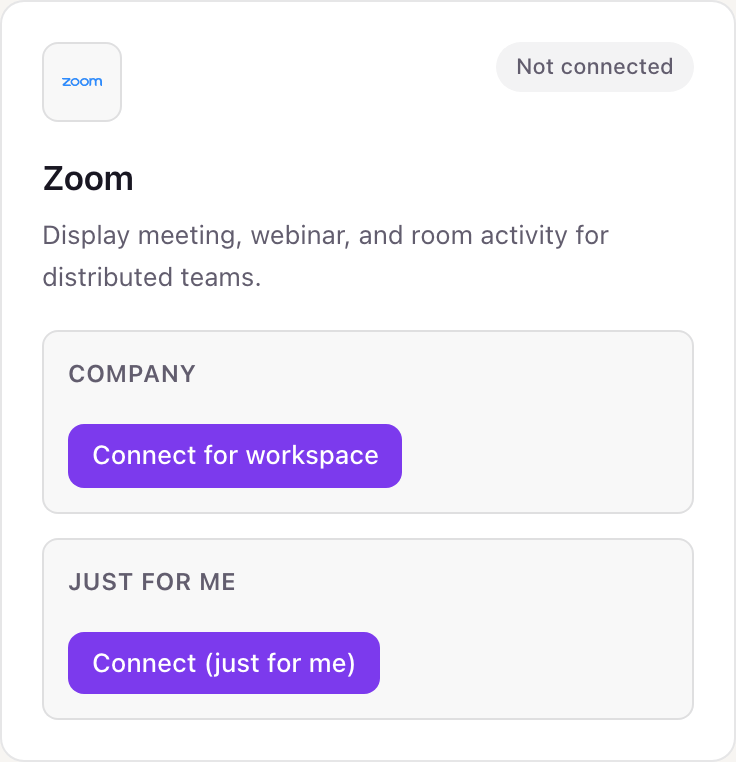
Your own Zoom or the whole workspace
Zoom connects per person because the permissions read one user's own meetings. Each member can connect their own Zoom just for them, for a desk countdown. An owner or admin can also connect one Zoom user for the workspace, such as the account that hosts company webinars, and that is the better choice for a shared screen because it keeps working when someone leaves.
Read-only. The four Zoom permissions can read a profile, a meeting list, one meeting and a webinar list. They cannot start, join, record or change a meeting, and chat and recordings are never requested. Disconnect on the Integrations page, and remove Dance Party in the Zoom App Marketplace under Manage, then Added Apps.
From Zoom to your office display
Once Zoom shows Connected, the rest happens in plain English. No code, no drag-and-drop.
1. Describe it. Tell DJ Agent what you want to see.
New dashboard+ WidgetDescribe a widget in DJ Agent, or click + WidgetDJ AgentDATA SOURCESZoomConnectedCount down to my next Zoom meeting and show how many meetings I have left today.Send2. It gets built. The widget lands on your board with real Zoom data.
New dashboard+ WidgetUp nextLiveNorthwind renewal call14 min11:30 a.m.Meetings left today3DJ AgentDATA SOURCESZoomConnectedCount down to my next Zoom meeting and show how many meetings I have left today.Send3. Put it on a screen. Pair an Apple TV with the six-character code it shows, then assign the dashboard.

Zoom dashboard questions
Can I show my Zoom meetings on a TV in the office?
Yes. Connect Zoom, ask DJ Agent for today's meetings or a countdown to the next one, and assign it to a screen running the Dance Party Apple TV app.
Can it show every Zoom meeting across our company?
No. The connection reads one Zoom user's own meetings and webinars. Account-wide reports and Zoom Rooms status are not available.
Will meeting join links or passcodes show on the screen?
No. Dance Party never renders Zoom join links or passcodes, so a lobby screen cannot leak a way into a meeting.
Why won't my Zoom webinar widget load?
The connected account needs a Zoom Webinar licence. Without one, Zoom refuses the webinar list and the widget says the licence is missing.
What happens if Zoom limits how often Dance Party can ask?
The screen keeps showing the last good data. Zoom rate limits are treated as a pause, and the widget catches up on its next refresh.
Can Dance Party schedule or change Zoom meetings?
No. It has no permission to create, update or delete meetings or webinars, and it never joins or records one.
More integrations
Put Zoom on every office display
Connect Zoom, describe the dashboard, and it runs on an Apple TV, refreshing on its own.
Get Started