
Facebook Ads office dashboards on Apple TV and every office display
Your Facebook Ads spend and Page reach, live on every office display. Connect Facebook, describe the TV dashboard you want, and your AI builds it. It runs on an Apple TV, a native tvOS app. Always on.
An example Facebook Ads widget. You describe it, your AI builds it.
What you can build
Real widgets, not mockups of a single layout. Each one is a screen you can stand up from Facebook Ads.
- →Ad spend this month, by ad account and by campaign.
- →Reach, impressions, clicks, and cost per result across campaigns.
- →Leads and cost per lead, by campaign.
- →Page reach, follower growth, and post engagement.
- →A leaderboard of campaigns by spend or by leads.
- →Facebook spend side by side with your other ad platforms on one board.
What you can pull from Facebook Ads
Dance Party reads your Facebook data through Meta's own Marketing and Pages APIs, read-only. Anything below can go on a screen. You never write a query.
Paid social
API docs ↗- Ad accountsThe ad accounts you granted access to, by name and id.
- Ad account insightsSpend, reach, impressions, clicks, and results across the account.
- Campaign insightsThe same metrics scoped to individual campaigns.
Pages
API docs ↗- PagesThe Pages you granted access to, by name and id.
- Page insightsReach, follower growth, and engagement for a Page.
- Page postsRecent posts with their engagement, for a top-posts board.
How to connect Facebook Ads
OAuth connection. No code, no drag-and-drop.
- 1In Dance Party, open Settings, then Integrations.D2IntegrationsConnect a data source and DJ Agent builds dashboards from live data. Connected accounts power widgets that refresh on their own.Facebook AdsNot connectedAd spend, reach, and conversions.Connect Facebook Ads
 HubSpotNot connectedPipeline, deals, and closed revenue.Connect HubSpot
 SlackNot connectedLive messages from any channel.Connect Slack
 StripeNot connectedRevenue, MRR, and new customers.Connect Stripe
 NotionNot connectedDocs, tasks, and database records.Connect Notion
 Google AnalyticsNot connectedTraffic, acquisition, and conversion rates.Connect Google Analytics
 - 2Click Connect on Facebook. You go to Facebook, sign in, and choose exactly which ad accounts and Pages Dance Party may read. Facebook sends you back, connected.Facebook AdsNot connectedSign in to Facebook Ads and approve read-only access. You come back connected.Connect Facebook Ads
- 3Describe the dashboard in plain English. For example: ad spend and leads by campaign this month.New dashboard+ WidgetDescribe a widget in DJ Agent, or click + WidgetDJ AgentDATA SOURCESFacebook AdsConnectedShow our Facebook ad spend and leads by campaign this month.Send
- 4Your AI builds the widget from your live Facebook data and drops it on the board.New dashboard+ WidgetSpend by campaign, this monthLive1Prospecting, Broad$21.6k2Retargeting, 30d$13.9k3Lookalike, 1%$8.7k4Brand Awareness$5.2kDJ AgentDATA SOURCESFacebook AdsConnectedShow our Facebook ad spend and leads by campaign this month.Send
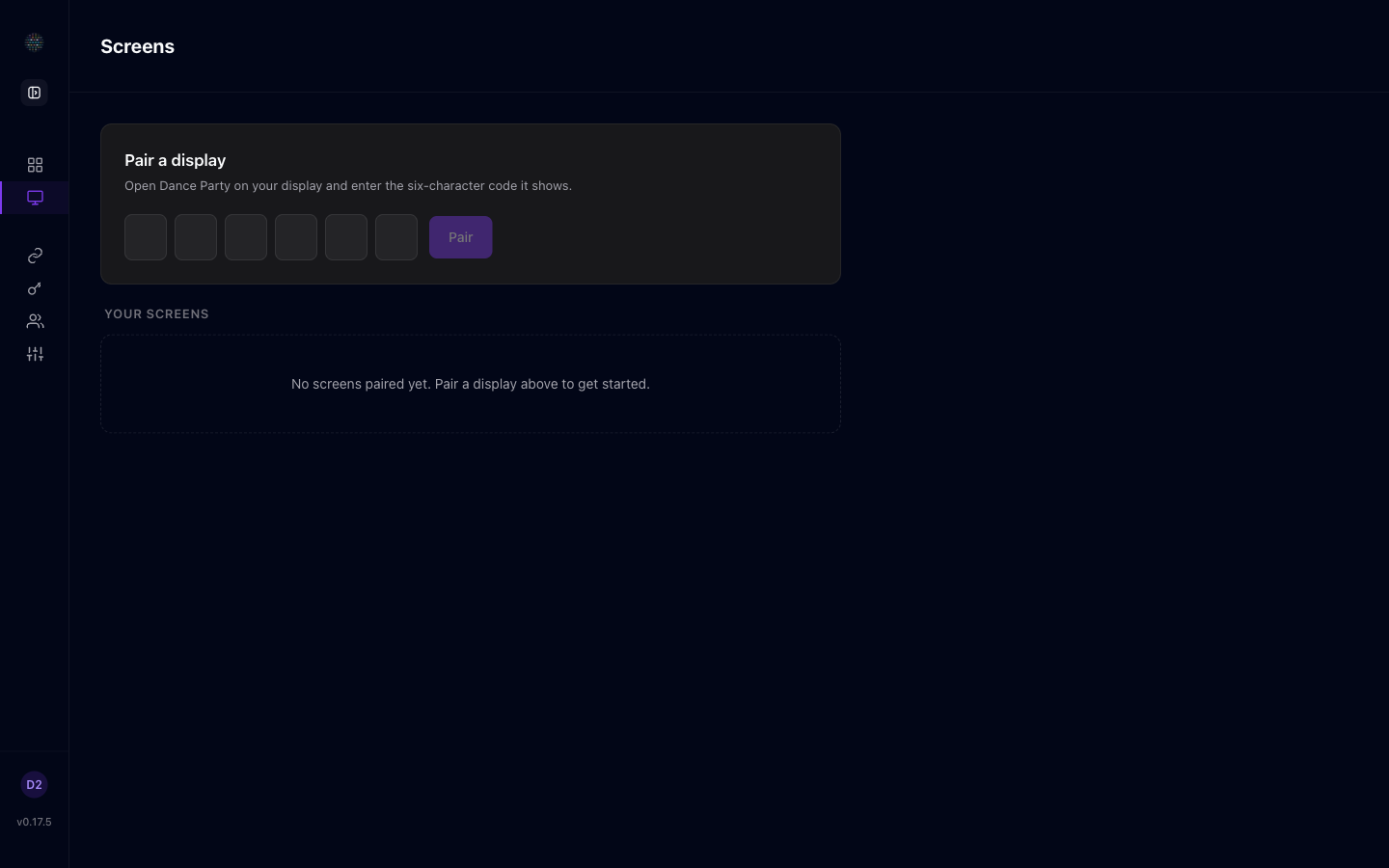
- 5Assign the dashboard to a screen. It goes live on the display.
Read-only, always. You pick the exact ad accounts and Pages Dance Party may read, and it reads nothing else. It never posts, comments, replies, boosts, edits a campaign, or changes a budget. There is no key to paste.
Frequently asked questions
Can I show a Facebook Ads dashboard on a TV?
Yes. Connect Facebook, describe the dashboard, and your AI builds it. It runs on an Apple TV, a native tvOS app, on any office display. Always on, and it refreshes on its own.
Is the Facebook connection read-only?
Yes. You authorize read-only access and Dance Party only reads to render dashboards. It never posts, comments, replies, boosts, edits a campaign, or changes a budget. There is no key to paste.
Which ad accounts and Pages can it see?
Only the ones you pick. During connect you choose the exact ad accounts and Pages Dance Party may read, and it reads nothing outside that selection. You can change the selection later by reconnecting.
Can it show Page reach and posts as well as ads?
Yes. Alongside campaign spend and results you can put Page reach, follower growth, and recent post engagement on a board. Paid and organic on one screen.
Can I put Facebook spend next to Google and LinkedIn?
Yes. Describe the comparison and your AI builds a single board from both sources, refreshed on its own.
Can it manage campaigns or publish posts?
No. This reads reporting only. Dance Party never creates or edits campaigns, never changes budgets, and never publishes, likes, or replies on your Page.
More integrations
Put your Facebook Ads dashboard on every display
Connect Facebook Ads. Describe what you want. Your AI builds it and it runs on every office display, 24/7.
Get Started