
Sonos dashboards on Apple TV and every office display
Your Sonos, live on every office display. See what's playing in every zone. Connect Sonos, describe the dashboard you want, and your AI builds a now-playing board. It runs on an Apple TV, a native tvOS app. Always on.
An example Sonos widget. You describe it, your AI builds it.
What you can build
Real widgets, not mockups of a single layout. Each one is a screen you can stand up from Sonos.
- →What's playing in each room or zone, live.
- →Which zones are playing and which are paused.
- →The current track and artist, per zone.
- →Your saved Sonos favorites: stations and playlists.
- →A celebration when the Friday playlist goes on.
- →Every zone across every household, in one view.
What you can pull from Sonos
Dance Party reads your Sonos data through Sonos's own Control API, read-only. Anything below can go on a screen. You never write a query.
Now playing
API docs ↗- HouseholdsThe Sonos households on your account.
- Groups & zonesRooms and zones like Kitchen, Lounge, or Warehouse.
- Now playingTrack title, artist, album, and whether a zone is playing or paused.
- FavoritesYour saved Sonos favorites: stations and playlists.
How to connect Sonos
OAuth connection. No code, no drag-and-drop.
- 1In Dance Party, open Settings, then Integrations.D2IntegrationsConnect a data source and DJ Agent builds dashboards from live data. Connected accounts power widgets that refresh on their own.SonosNot connectedWhat's playing in every zone.Connect Sonos
 HubSpotNot connectedPipeline, deals, and closed revenue.Connect HubSpot
 SlackNot connectedLive messages from any channel.Connect Slack
 StripeNot connectedRevenue, MRR, and new customers.Connect Stripe
 NotionNot connectedDocs, tasks, and database records.Connect Notion
 Google AnalyticsNot connectedTraffic, acquisition, and conversion rates.Connect Google Analytics
 - 2Click Connect on Sonos. You go to Sonos, sign in, and approve read-only access. Sonos sends you back, connected.SonosNot connectedSign in to Sonos and approve read-only access. You come back connected.Connect Sonos
- 3Describe the dashboard in plain English. For example: what's playing in each zone across the office.New dashboard+ WidgetDescribe a widget in DJ Agent, or click + WidgetDJ AgentDATA SOURCESSonosConnectedShow what's playing in each Sonos zone across the office.Send
- 4Your AI builds the widget from your live Sonos data and drops it on the board.New dashboard+ WidgetNow playing by zoneLiveLo-Fi BeatsKitchenGolden HourLoungeMorning CoffeeReceptionTop HitsOpen SpacePausedWarehouseDJ AgentDATA SOURCESSonosConnectedShow what's playing in each Sonos zone across the office.Send
- 5Assign the dashboard to a screen. It goes live on the display.
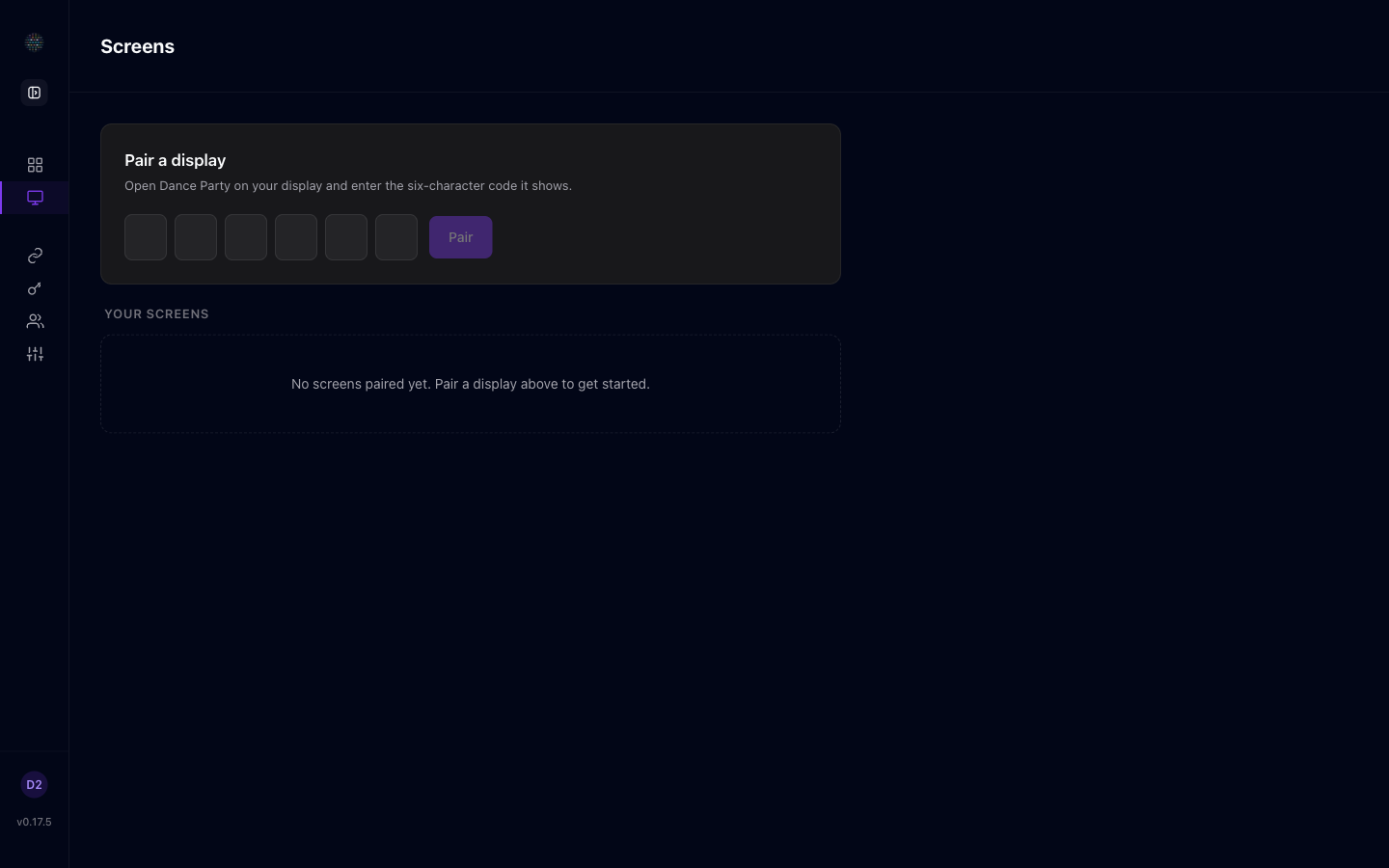
Read-only, always. Dance Party connects over OAuth and only reads what is playing on your Sonos to render dashboards. It never plays, pauses, changes volume, or controls your speakers. There is no key to paste.
Frequently asked questions
Can I show what's playing on Sonos on a TV?
Yes. Connect Sonos, describe the board, and your AI builds it. It runs on an Apple TV, a native tvOS app, on any office display. Always on, and it refreshes on its own.
Is the Sonos connection read-only?
Yes. You authorize read-only access over OAuth. Dance Party reads what's playing to render the board and never plays, pauses, changes volume, or controls your speakers. There is no key to paste.
Does it show listening history or play counts?
No. This is a live now-playing board, not analytics. It shows what's playing in each zone right now, which zones are playing or paused, and your saved favorites. Sonos does not expose listening history or minutes listened here.
Can Dance Party control my Sonos speakers?
No. It only reads what's playing. It never plays, pauses, skips, changes volume, or regroups rooms. Control stays in the Sonos app.
What can I put on the board?
The current track and artist per zone, which rooms are playing or paused, and your saved Sonos favorites. You describe it in plain English and your AI builds it.
More integrations
Put your Sonos dashboard on every display
Connect Sonos. Describe what you want. Your AI builds it and it runs on every office display, 24/7.
Get Started